1080p Blu-ray vs 4K Streaming vs 4K UHD Blu-ray: Which One Actually Looks Best?
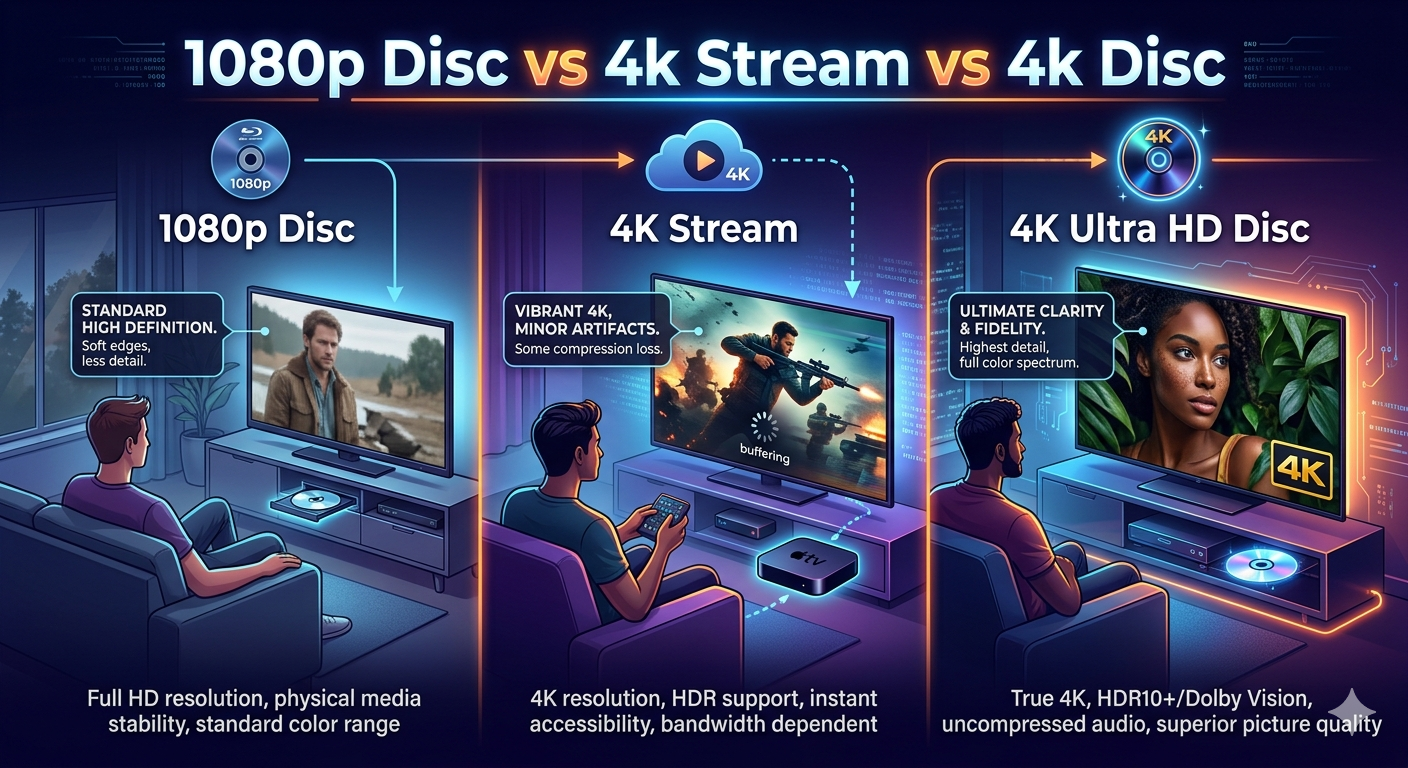
1080p Blu-ray vs 4K Streaming vs 4K UHD Blu-ray: Which One Actually Looks Best?
With more movies available in 4K streaming than ever before, many viewers assume streaming is now equal to—or even better than—physical media. But when you compare 1080p Blu-ray, 4K streaming, and 4K UHD Blu-ray, the differences become much more complicated.
Resolution is only one part of image quality. Bitrate, compression, color depth, and audio quality all play a major role in how a movie actually looks and sounds.
Let’s break down how these three formats really compare.
1. 1080p Blu-ray (The Physical Media Baseline)
The standard Blu-ray disc has been around since 2006 and remains one of the most reliable ways to watch a movie at home.
Typical Specs
- Resolution: 1920 × 1080
- Bitrate: 20–40 Mbps
- Codec: AVC (H.264)
- Audio: Lossless formats like Dolby TrueHD or DTS-HD Master Audio
Even though it’s “only” 1080p, Blu-ray benefits from very high bitrates and minimal compression. That means the image often looks extremely clean with:
- minimal banding
- stable grain
- fewer compression artifacts
2. 4K Streaming (Convenience Over Bitrate)
Streaming services like Netflix, Disney+, and Apple TV+ offer thousands of movies and shows in 4K.
But to make streaming practical over the internet, services must heavily compress the video.
Typical Specs
- Resolution: 3840 × 2160
- Bitrate: 10–25 Mbps
- Codec: HEVC (H.265)
- Audio: Usually Dolby Digital Plus with Atmos
The image is technically 4× the resolution of 1080p, but the bitrate is often lower than a Blu-ray.
This can cause:
- compression artifacts
- banding in skies and shadows
- smeared film grain
- loss of fine detail
However, streaming does add some advantages.
Advantages of 4K Streaming
HDR Support
Most streams include HDR formats like:
- HDR10
- Dolby Vision
HDR can dramatically improve:
- contrast
- highlights
- color range
This often makes 4K streaming look more vibrant than 1080p Blu-ray, even if the raw detail isn’t dramatically better.
3. 4K UHD Blu-ray
For many home theater enthusiasts this is considered the gold standard
Typical Specs
- Resolution: 3840 × 2160
- Bitrate: 50–100 Mbps
- Codec: HEVC (H.265)
- Audio: Dolby TrueHD / DTS-HD MA / Dolby Atmos
Because the format allows such high bitrates, the image retains far more detail and texture.
Compared with streaming, you usually get:
- cleaner film grain
- smoother gradients
- fewer compression artifacts
- sharper textures
- lossless audio
In many cases, the difference is immediately visible on larger screens or projectors.
Quick Comparison Chart
| Format | Resolution | Bitrate | HDR | Audio Quality |
| 1080p Blu-ray | 1080p | 20–40 Mbps | Rare | Lossless |
| 4K Streaming | 4K | 10–25 Mbps | Yes | Compressed |
| 4K UHD Blu-ray | 4K | 50–100 Mbps | Yes | Lossless |
Why Bitrate Matters More Than Resolution
A higher resolution doesn’t automatically mean a better picture.
A high-bitrate 1080p Blu-ray can sometimes look better than heavily compressed 4K streaming, especially in scenes with:
- smoke
- rain
- film grain
- dark shadows
- gradients
These are the types of images that compression struggles with the most.
Audio Is Where Discs Really Win
Video gets most of the attention, but audio differences are often even bigger.
Streaming services usually deliver Atmos through lossy Dolby Digital Plus, while discs can deliver full-bandwidth Dolby Atmos via Dolby TrueHD.
For people with dedicated sound systems, the difference can be dramatic.
When Streaming Is Good Enough
Streaming still has clear advantages:
- instant access to huge libraries
- no physical storage
- lower cost
- convenience
For casual viewing on smaller TVs, the difference between formats may not be noticeable.
But once you move into larger screens, OLED TVs, projectors, or a dedicated sound system the advantages of physical media become much easier to see and hear.
Related Posts